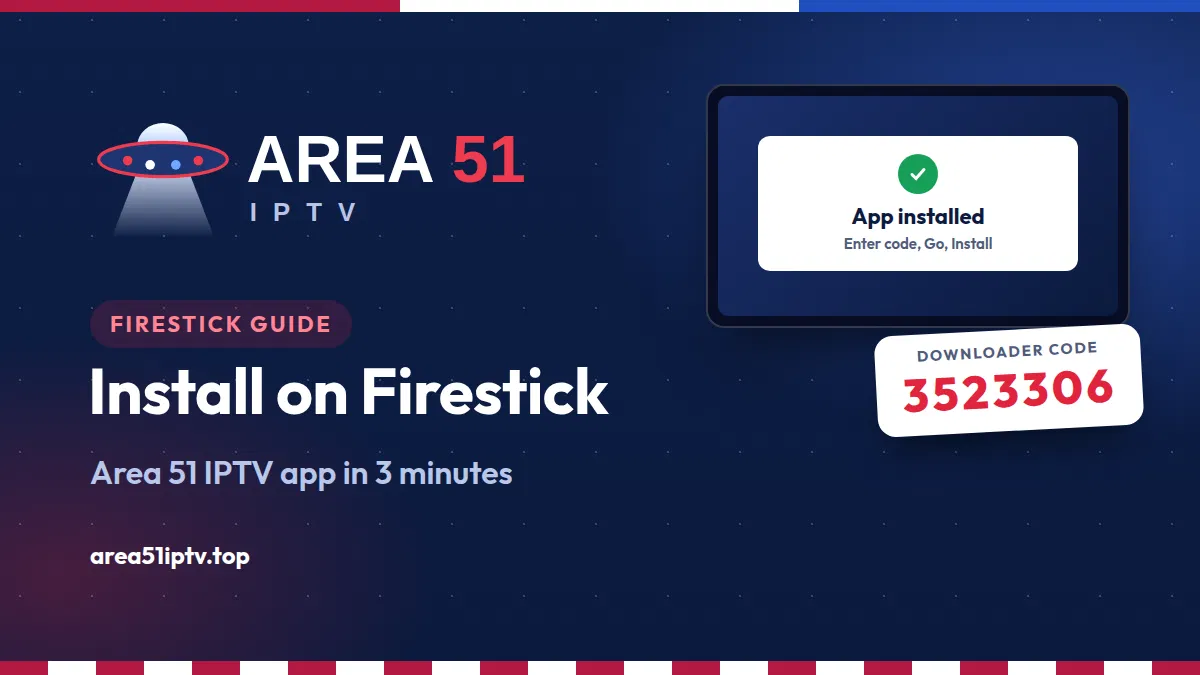
The Area 51 IPTV app puts live TV, movies and series on your Firestick in one remote-friendly app, with a free 24-hour trial built in. This guide explains what the app does and shows you how to install it on a Firestick in about three minutes with the Downloader code 3523306, then start watching without typing a single password.
Area 51 IPTV app at a glance
- Downloader code: 3523306 (or type area51iptv.top/app/area51.apk).
- Price: the app is free, with a free 24-hour trial. Plans start at $14.99.
- Works on: Fire TV Stick, Fire TV Stick 4K and 4K Max, Fire TV Cube and Fire TV smart TVs.
- Not supported: the Fire TV Stick 4K Select, which runs Vega OS and cannot install APK files.
- Size: about 0.6 MB, and the app only asks for internet access.
- Time needed: about 3 minutes, only once.
What Is the Area 51 IPTV App?
The Area 51 IPTV app is our official player for Fire TV, Android TV and Android phones. Instead of typing a server address, a username and a password into a generic IPTV player, you sign in with your Area 51 account and the app sets everything up for you.
- Live TV: US local and national channels, sports, news, kids and international channels, sorted into groups with a fast search.
- Movies and series: posters, ratings and plots for every title. Series are split into seasons and episodes, and the next episode starts by itself.
- Built-in player: plays live TV, movies and episodes in HD, FHD and 4K where available, and picks up where you stopped in a movie.
- Subtitles: turn on the subtitles a video includes with one button on your remote.
- No typing on the remote: sign in, start a trial, renew or even search by scanning a QR code with your phone.
- Account and help built in: see your plan and its end date, renew in a tap, and reach 24/7 live chat from the Help tab.
You can see every feature and the guides for other devices on our Area 51 IPTV application page.
Before You Start: Check Your Fire TV
| Device | Works with the app? |
|---|---|
| Fire TV Stick (2nd gen and newer), Fire TV Stick Lite | Yes |
| Fire TV Stick 4K and 4K Max | Yes |
| Fire TV Cube and Fire TV smart TVs (Fire OS) | Yes |
| Fire TV Stick 4K Select (Vega OS) | No, Vega OS does not install APK files |
You also need a stable internet connection. We recommend at least 25 Mbps for smooth HD streaming.
How to Install Area 51 IPTV on Firestick (Downloader Code 3523306)
The app is installed with the free Downloader app from the Amazon Appstore.
Step 1: Install Downloader
- On the Fire TV home screen, go to Find and select Search.
- Type Downloader and select the orange Downloader app by AFTVnews.
- Select Get or Download. It is free.
Step 2: Turn on Developer options
- Go to Settings, then My Fire TV.
- If you do not see Developer options, open About, highlight your device name and press the select button 7 times until you see “You are now a developer.” Then press Back.
Step 3: Allow Downloader to install apps
- Open Developer options, then Install unknown apps.
- Find Downloader and switch it ON.
Step 4: Enter the code 3523306
- Open Downloader and select Allow if it asks for access to files.
- Select the URL box, type 3523306 and select Go.
- The Area 51 IPTV app downloads in a few seconds.
Step 5: Install and open the app
- Select Install, then Open.
- When Downloader asks, select Delete to remove the setup file and save space. The app stays installed.
- To keep it one click away, hold the Home button, select Apps, highlight Area 51 IPTV and move it to the front row.
First Launch: Start Your Free Trial or Sign In
The first time you open the app, go to Account. You will see a QR code and a short code on your TV.
- Scan the QR code with your phone camera. A short page opens on your phone.
- New here? Enter your email and your free 24-hour trial starts right away. Already a customer? Use the email of your Area 51 account.
- Look back at your TV. The app signs in by itself and your channels, movies and series load.
No camera on your phone? Type the address shown on the TV into your phone’s browser and enter the code. Prefer the details from your welcome email? Choose Xtream Codes or M3U Link under “Or type your details”, or scan the Type on your phone code to type them on your phone instead of with the remote.
Using the App With Your Remote
| Button | What it does |
|---|---|
| Arrows and OK | Move through menus, channels and posters, and select |
| Back | Close a screen or go back |
| Up and down while watching TV | Change channel |
| Left and right in a movie | Rewind or skip 10 seconds |
| Up or Menu in a movie | Turn subtitles on, switch language or turn them off |
| Play/Pause | Pause and resume movies and episodes |
Tip: typing a search with the remote is slow. Select the Phone button next to the search box, scan the code and type what you want to watch on your phone.
How to Update the App
The app downloads its newest screens in the background, so closing it completely and opening it again usually brings the latest version of the menus. To install a new version of the app itself, open Downloader, enter 3523306 again and select Install. It installs over your current version and keeps you signed in.
Troubleshooting
- The code does nothing in Downloader. Check that you typed 3523306 with no spaces. You can also type the full link instead: area51iptv.top/app/area51.apk.
- Install unknown apps is missing. Developer options are hidden on newer Fire TVs. Repeat Step 2 and press your device name seven times under About.
- “App not installed”. Free up storage by uninstalling apps you do not use, delete old setup files in Downloader, then try again.
- A channel buffers or freezes. Restart your Firestick and router, and use a wired connection if you can. Our guide on how to stop buffering on Firestick has 10 more fixes.
- Still stuck? Open the Help tab in the app for 24/7 live chat, or contact us.
Other Devices
The same Downloader code works on Android TV and Google TV boxes such as Chromecast with Google TV, Nvidia Shield and onn. On Android phones and tablets, download the APK directly, and on iPhone, iPad, Windows and Mac use the Area 51 IPTV web app. Step-by-step guides for every device are on our application page.
Area 51 IPTV on Firestick: FAQ
What is the Downloader code for Area 51 IPTV?
The code is 3523306. Open the free Downloader app on your Firestick, type 3523306 in the URL box and select Go. It always points to the latest official version of the app.
Is the Area 51 IPTV app free?
Yes. The app is free and includes a free 24-hour trial. After the trial, plans start at $14.99 a month.
Is the app in the Amazon Appstore?
No. The Area 51 IPTV app is installed from our official website with the Downloader app, using the code 3523306.
Does it work on the Fire TV Stick 4K Select?
No. The Fire TV Stick 4K Select runs Vega OS, which does not install APK files. It works on other Fire TV Sticks, the Fire TV Cube and Fire TV smart TVs that run Fire OS.
Do I need to type a username and password?
No. Open Account, scan the QR code with your phone and enter your email. The app signs in by itself. You can still type Xtream Codes details or an M3U link if you prefer.
Will updating the app sign me out?
No. A new version installs over the old one and keeps you signed in.
Install Area 51 IPTV in 3 Minutes
Enter 3523306 in Downloader on your Firestick, scan the QR code and start your free 24-hour trial.
Get the App See Our Plans